
| Print version |
Registration Warning window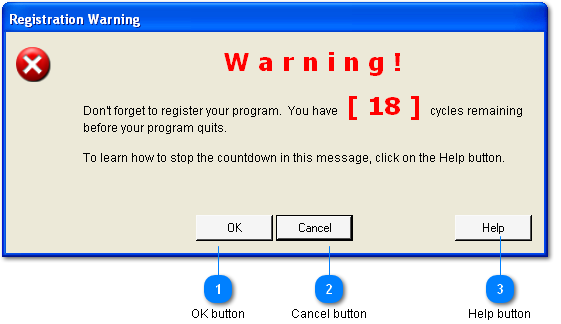
This warning appears under a specific set of circumstances.
And either of the following
a) The Company Information window is closing
b) A new, blank record has been requested in the Data Entry window.
To stop the counter, send a Registration Form by clicking the eMail Registration Form button on the Company Information window.
Within a couple of days a Registration Number will be emailed to you.
|


