|
 OK button
The Tips window and Splash Screen disappear until the next time you open the program.
Once closed one of two things will happen
-
The Company Information window will appear if a valid Registration Number HAS NOT been entered and saved.
-
The Data Entry window will appear if a valid Registration HAS been entered and saved.
| |
 Next Tip button
Sequentially progresses through each of the Tips.
| |
 Don't show Tips at Startup check
If a Check is placed in this Check Box by clicking on it, the Tip of the Day window will not appear after the program is initialized. The program will instead continue as though the OK button had been clicked.
| |
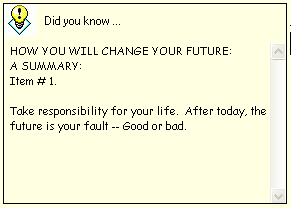
 Tip area
New Tips appear in this area.
Note the scroll bar on the right. Used in case is too long to fit in the Tip area.
| |
|
|