|
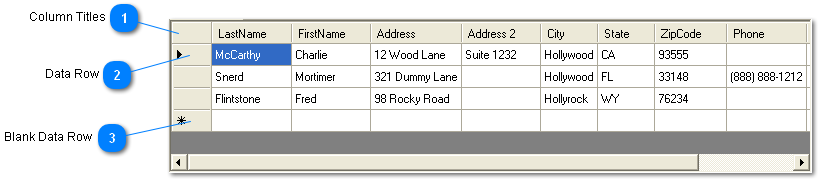
 Column Titles
Clicking on a column title sorts the entire collection of records by that column.
Clicking again sorts in reverse order.
| |
 Data Row
A Data Row contains the all the data for the client for that particular Wellness Profile.
The small triangle in the left column indicates the currently selected client.
The white text on blue background  indicates the particular column and row that was last clicked. It also indicates the currently selected client.
The currently selected client is displayed in all the areas above the Data Records Table.
| |
 Blank Data Row
The row where the next set of data will go. Select New from the File Menu or the Add New button from the Toolbar to enter new data. | |
|
|