
| Print version |
Primary Font tab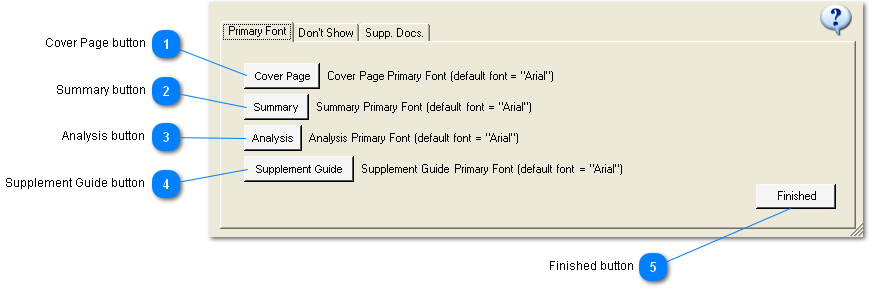
General Description:
In the Primary Font tab of the Preferences window click a button to select the Primary Font for the document whose name appears in the button.
The font in the button will be the font the user has chosen.
The font in the document will be the font name the user has chosen but not any other font parameters.
Note that the default font is listed after each button. This is in case the user selects a font that they decide they don't like and can't remember what it used to be.
|


